Your cart is currently empty!
Sale!



Available on backorder
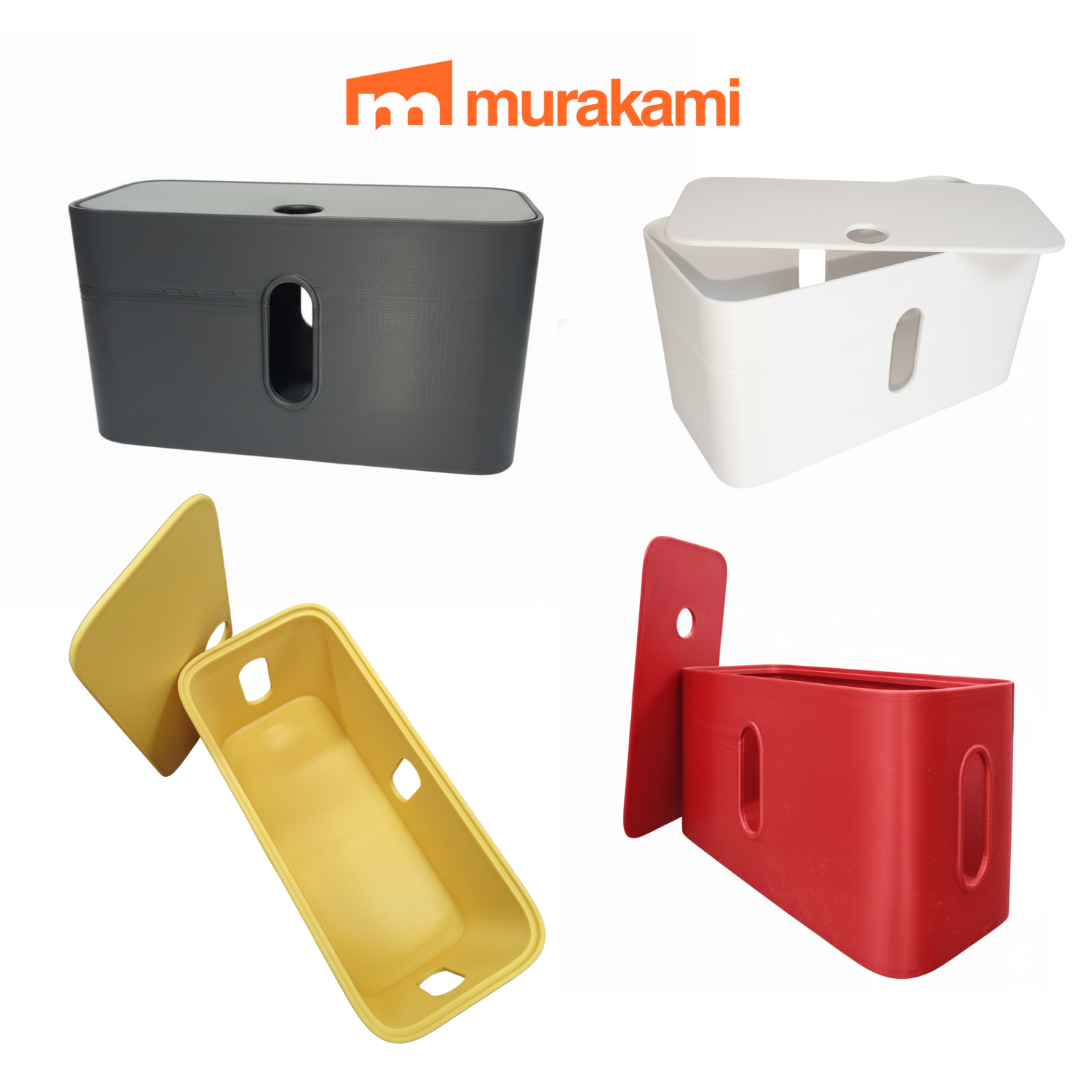
3D Printed Cable Organizer
Original price was: ₱350.00.₱280.00Current price is: ₱280.00.
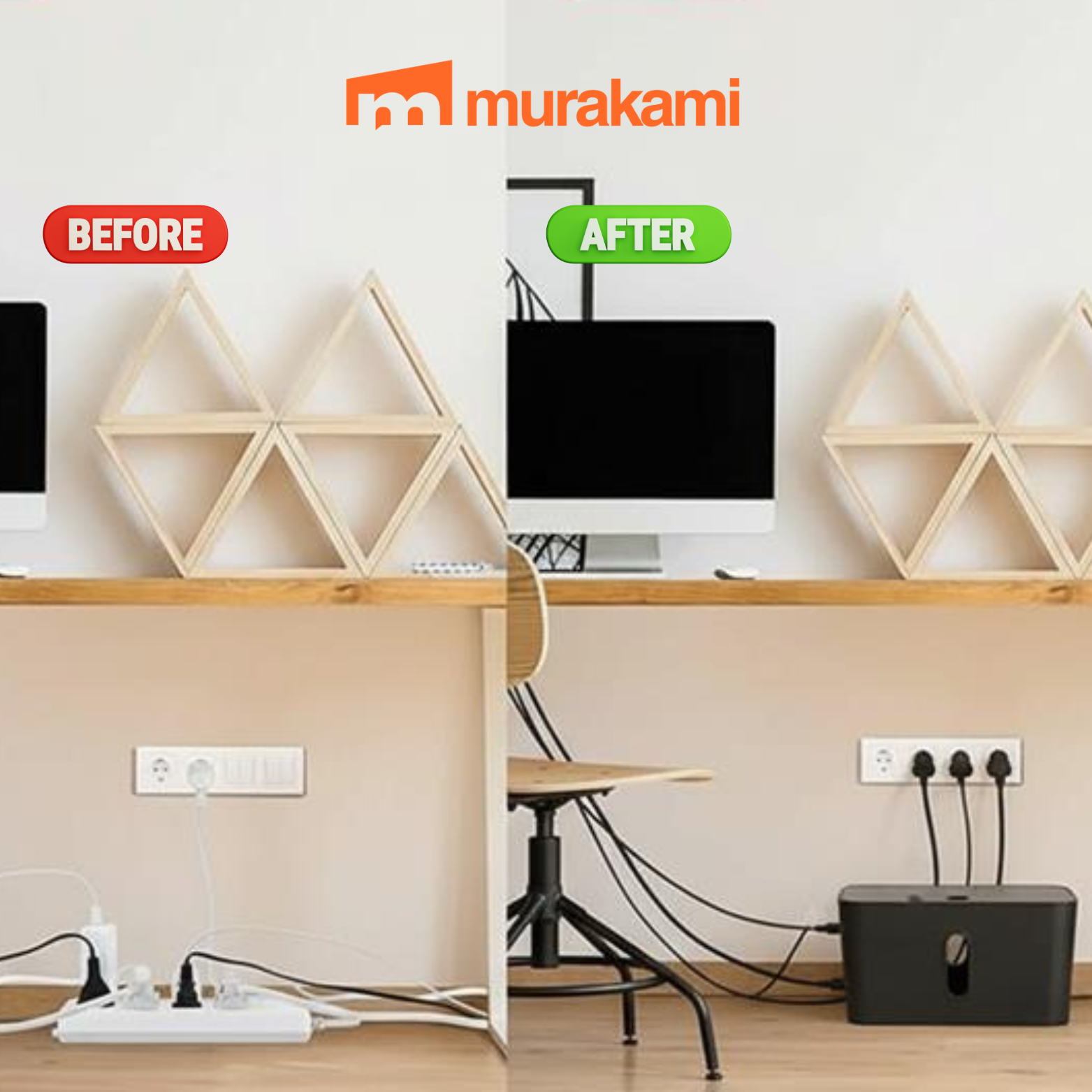
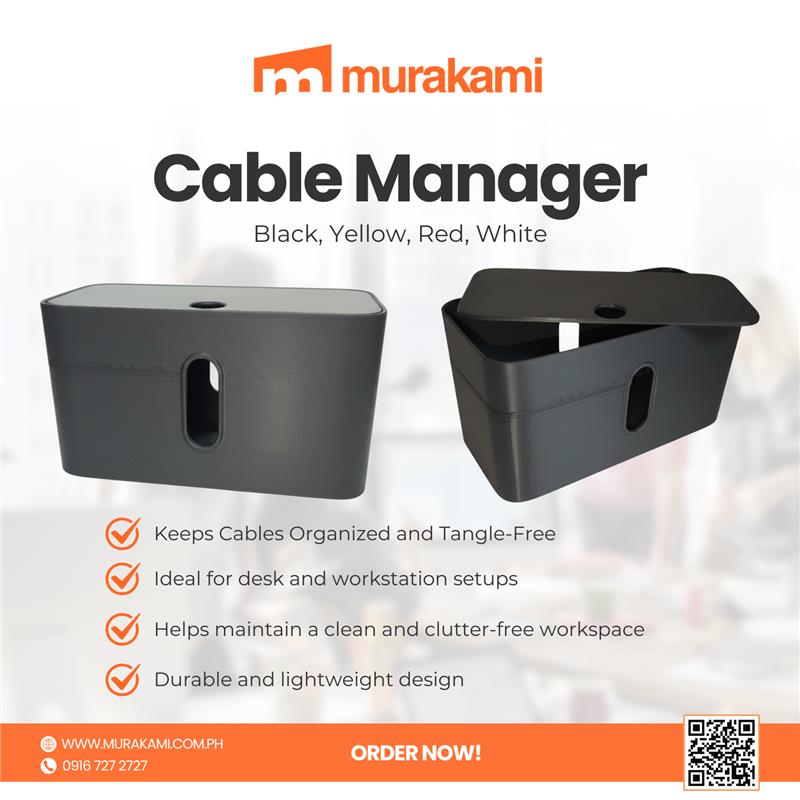
Cable Manager Keeps cables organized and tangle-free,Ideal for desk and workstation setups,Helps maintain a clean and clutter-free workspace,Durable and lightweight design,Suitable for charging and data cables,Perfect for home, office, or gaming setups
Available on backorder
Cable Manager
In the world of professional infrastructure—whether it be a high-density data center, a sophisticated security command center, or a modern smart office—the Cable Manager is often the unsung hero of system reliability and longevity. While often viewed merely as an aesthetic accessory, a cable manager is a critical structural component designed to organize, support, and protect the complex web of copper and fiber optic cabling that powers our digital world. Effective cable management is the difference between a high-performance network and a “spaghetti” mess of wires that invites hardware failure, overheating, and prolonged downtime.
The Core Functions of a Cable Manager
At its essence, a Cable Manager serves four primary engineering purposes:
Mechanical Support and Strain Relief: Cables are surprisingly heavy. Without proper management, the weight of a vertical bundle can pull on the connectors of a switch or patch panel. This constant tension can lead to intermittent connectivity or physical damage to the equipment’s ports. Cable managers distribute this weight evenly across the rack frame.
Bend Radius Protection: Both high-speed Category 6A copper and fiber optic cables have a strictly defined “minimum bend radius.” If a cable is bent too sharply, the internal glass or copper structure can be damaged, leading to signal attenuation or total data loss. Managers are designed with rounded edges and specific routing paths to ensure these limits are never exceeded.
Thermal Management (Airflow Optimization): Modern servers and switches generate immense heat. Tangled cables blocking the intake or exhaust vents of a rack act as an insulating blanket, trapping heat and forcing fans to work harder. Proper management ensures that air can flow freely through the rack, extending the lifespan of expensive active hardware.
Operational Efficiency and Troubleshooting: In a crisis, a technician needs to be able to trace a single cable from point A to point B in seconds. A well-managed system uses horizontal and vertical managers to create a “map” of the network, allowing for rapid identification and replacement of faulty links without disturbing neighboring connections.
Types of Cable Management Hardware
Professional Cable Manager is divided into two main categories: Horizontal and Vertical.
Horizontal Cable Managers
These are typically mounted Cable Manager within the 19-inch rack space, usually between patch panels and switches.
Finger Duct Managers: These feature a row of plastic “fingers” that allow cables to be routed into the duct and hidden behind a removable cover. They are the industry standard for high-density patching.
D-Ring Managers: Utilizing large metal or plastic loops, these are ideal for managing large bundles of patch cords while keeping them visible and easily accessible.
Brush Strip Managers: These allow cables to pass from the front of the rack to the back through a brush-like opening, which helps maintain airflow and thermal separation between the “hot aisle” and “cold aisle.”
Vertical Cable Managers
These are mounted to the side of the rack rails, running the entire height (42U or more) of the cabinet.
High-Capacity Vertical Ducts: These manage the “backbone” cabling that travels between different racks or from the ceiling to the floor. They often feature large hinged covers to keep the vast quantities of cable hidden and protected.
Velcro and Tie-Down Points: Unlike plastic zip ties, which can crush sensitive cables, professional managers utilize Velcro wraps to secure bundles firmly but gently.
Best Practices for Professional Implementation
To achieve an “enterprise-grade” installation, one must follow a strategic approach to cable management:
Plan for Density: Always choose a cable manager that can handle 20% to 30% more cables than you currently have. Network expansion is inevitable, and a manager that is at capacity on day one will quickly become a liability.
Color Coding: Use the cable manager to segregate different types of traffic. For example, route blue cables (Data) through the left side and yellow cables (CCTV/Security) through the right. This visual shorthand is invaluable for maintenance.
Avoid the “Waterfall”: Never allow cables to hang loosely off the front of a rack. Every cable should transition immediately from the equipment port into a manager.
Label Everything: Cable management hardware often includes labeling strips. Every cable should be labeled at both ends, and the managers themselves should be labeled to indicate which row or department they serve.
📌 Conclusion
A Cable Manager is an “installation essential” for any professional surveillance or IT environment. Whether you are setting up a 32-channel Hikvision NVR system or a complex corporate network, investing in quality cable management ensures the longevity of your hardware and the reliability of your data.
Link: https://murakami.com.ph/shop/
Facebook page: https://www.facebook.com/murakamiphonline
Visit the official website for more details: https://murakami.com.ph/product/cable-manager/

0 reviews for 3D Printed Cable Organizer
Only logged in customers who have purchased this product may leave a review.
Related Products

Installation Essential (Cable Clip 10mm)
Original price was: ₱71.52.₱50.00Current price is: ₱50.00.